Loading TraXAgent...
Please wait

For damage assessors and assessor offices
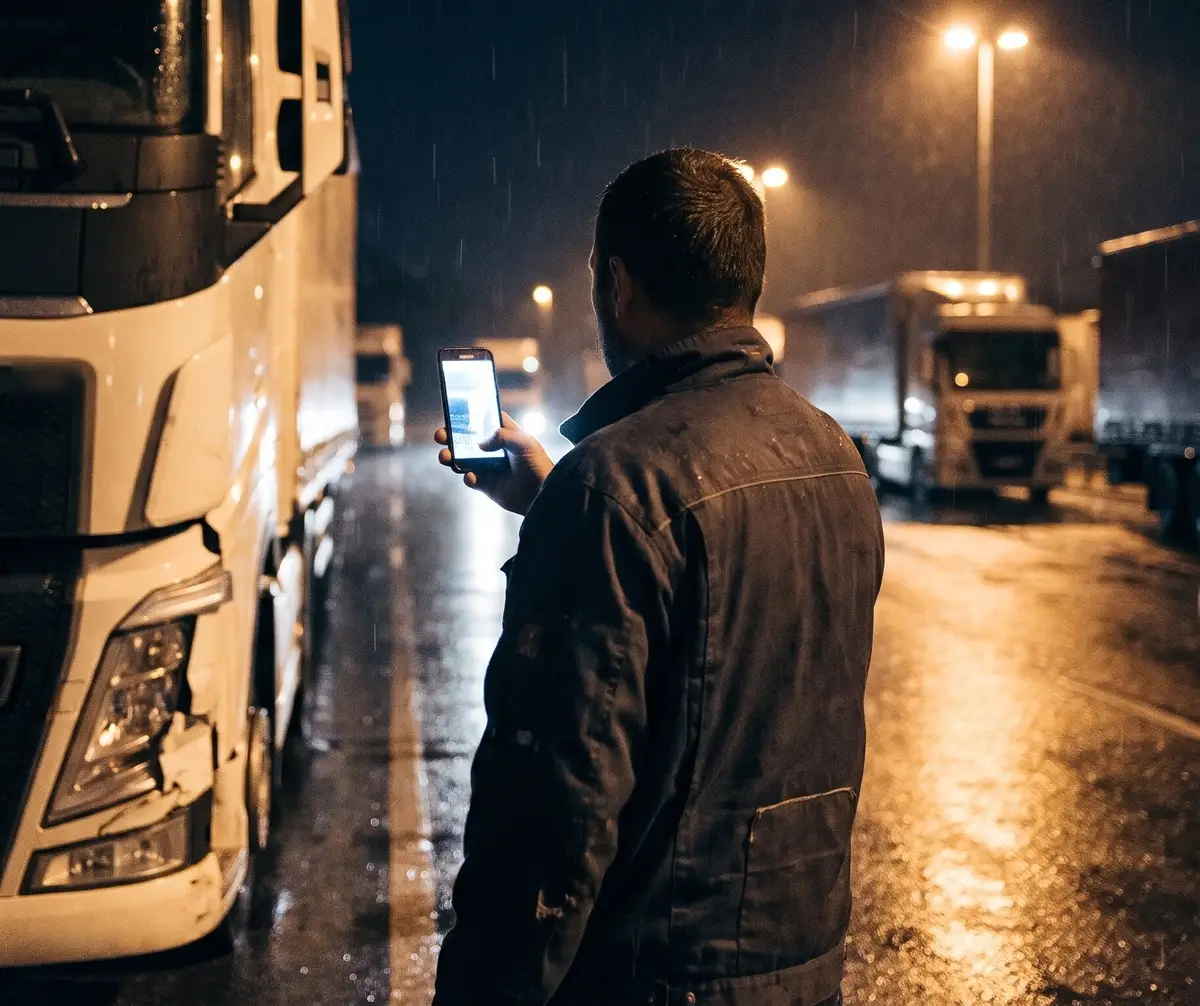
The driver photographs the damage through an SMS link, in their own language, at any hour. You get a complete, checked case.
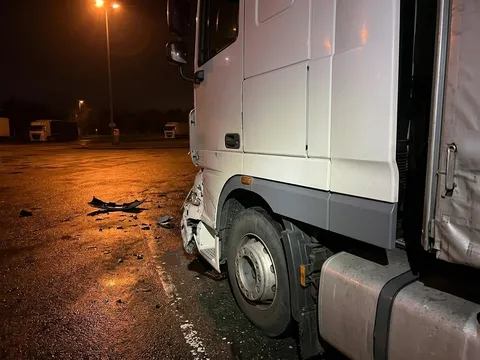
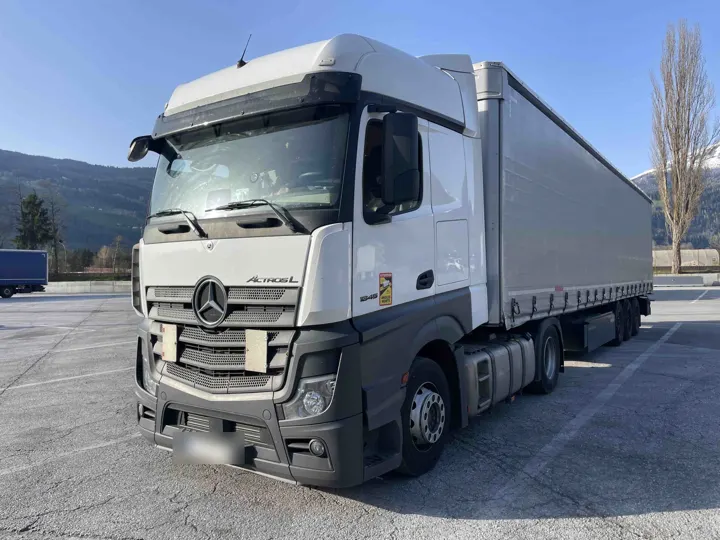
The truck is at a rest area or a depot at the far end of the region. One inspection costs you hours on the road.
Photos arrive one by one over messenger, without the VIN, from the wrong side or too dark. Then you chase them up.
Questions go through a dispatcher or a colleague who translates. Details get lost on the way.
Damage happens at 22:47 or on a Saturday. By the time anyone could be there, the truck may be gone.
You do three of the four steps at your desk in a few clicks. The driver does the fourth at the truck.
Forward the order from the insurer or fleet to your TraxAgent address as it reaches you. AI reads out vehicle, plate, driver phone and location and creates a draft case.
You check the draft and send the driver the SMS link with one click. They open it in the browser and need no app.
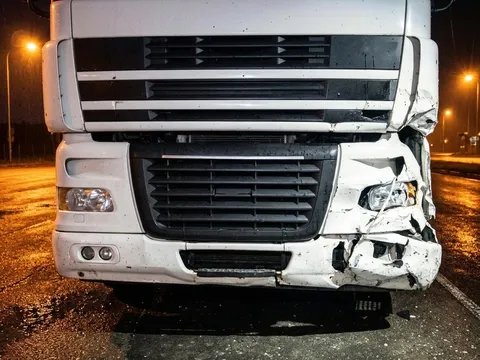
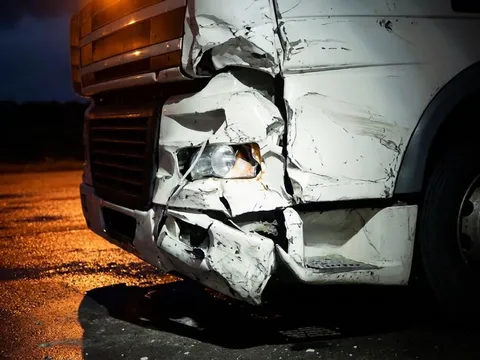
The chat guides the driver through the shot list for tractor, trailer, both or the coupling. If a photo misses, AI tells them right away what is wrong, and they retake it.
The complete case is in the admin portal. One click downloads it as a ZIP file, and you take the photos, videos and PDF summary into your report software.
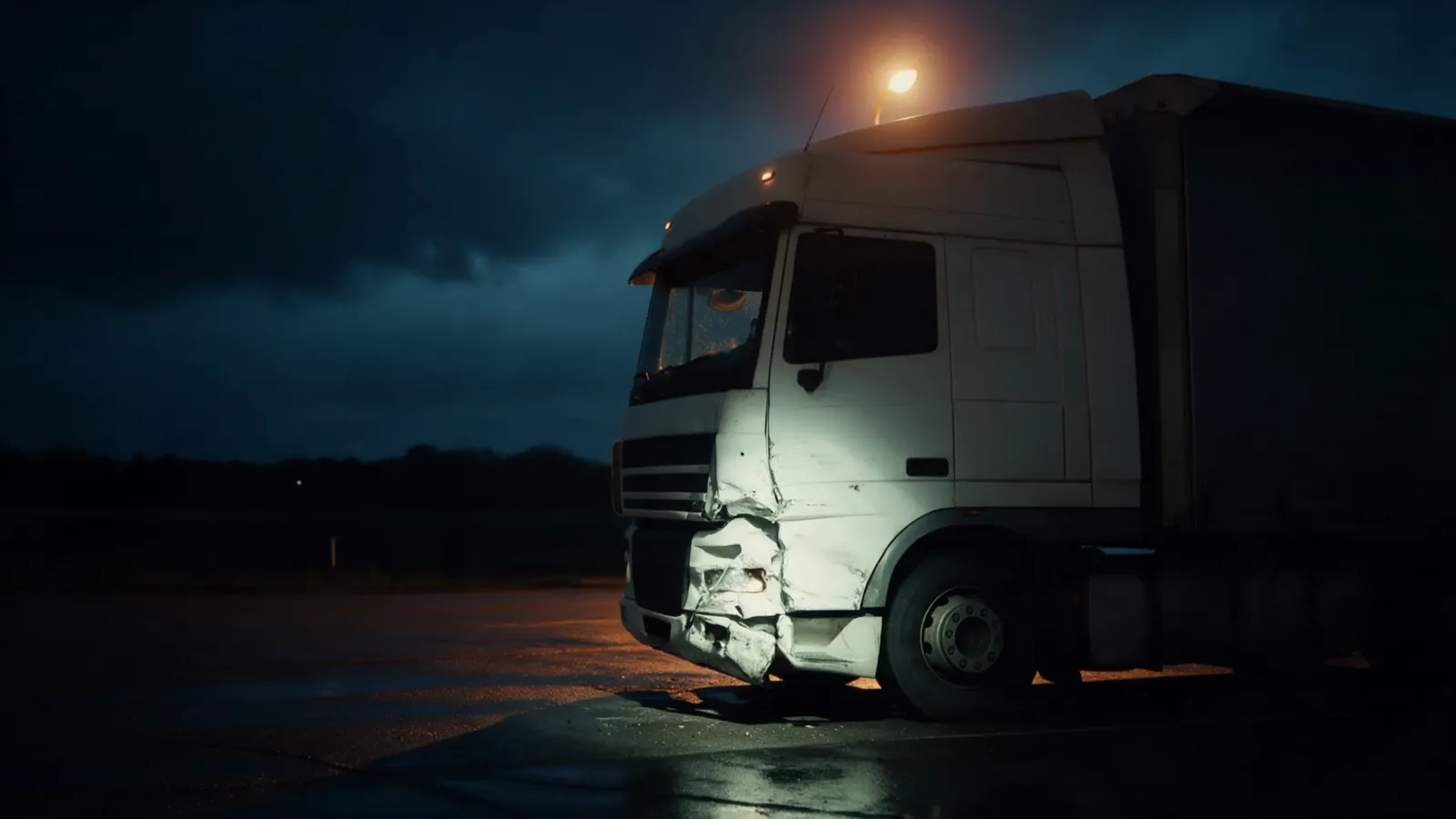
You get checked photos, a walkaround video with transcript and the case data as documentation for your report.
Built in collaboration with TraXpert, a market leader in truck damage assessment.
The chat runs in 26+ languages through AI translation. Instructions, buttons and retake notes follow the language the driver picks. The admin portal is in German or English, and the video gets German and English subtitles.
Further subtitle languages on request.
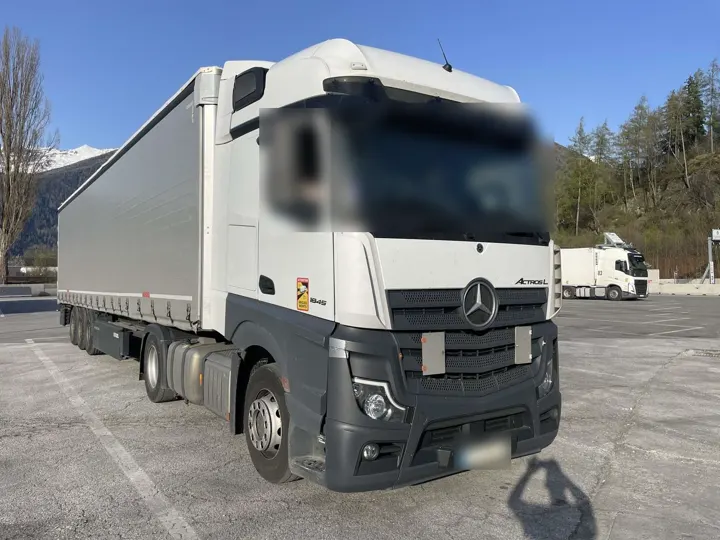
 RomânăFotografiați colțul din față stânga al cap-tractorului.
 PolskiSfotografuj lewy przedni narożnik ciągnika.
 БългарскиСнимайте предния ляв ъгъл на влекача.
 TürkçeÇekicinin sol ön köşesini fotoğraflayın.
 УкраїнськаСфотографуйте передній лівий кут тягача.
 DeutschFotografieren Sie die linke vordere Ecke der Zugmaschine.
TraxAgent captures and documents the damage; the assessment and the report stay with you. Whether the documentation is enough for your report or you still inspect the vehicle yourself is your professional decision, case by case.
A smartphone and the SMS link. The chat opens in the browser without an app and copes with weak coverage at rest areas.
Yes. The link works at any hour, and the chat guides the driver without anyone from your office on a call.
The driver chat runs in 26+ languages through AI translation. You work in the admin portal in German or English.
Yes. "Export for assessor" downloads the whole case as one ZIP file: photos, videos with subtitles, the documents from the order and a PDF summary with vehicle data and the result of the AI photo check. Built in collaboration with TraXpert, a market leader in truck damage assessment.
The ZIP file holds photos, videos and PDF files in common formats. You upload them through the photo and document upload of your software, the same way as photos from your own inspection. There is no direct interface to individual programs yet.
A monthly base fee plus a fee per damage case. There is no public list price. You get a quote with your demo.
Right away. We set up your organisation in a few clicks, and the first case can go out to a driver the same day.
Servers at Hetzner in Falkenstein. GDPR-compliant data handling. Photos, videos and chat messages are analysed by AI services from Google and Anthropic, acting as our processors, which may process data in the USA under the EU Standard Contractual Clauses. On request: AI processing in EU regions (Google Cloud Vertex AI).
Pick a 30-minute slot. We show you the driver chat and the admin portal and send you a quote for your assessor office or your fleet.
Assessors pay a monthly base fee plus a fee per damage case. There is no public list price. You get a quote with your demo.
You can start right away: we set up your office in a few clicks, and the first case can go out to a driver the same day.
The booking calendar is not available right now. Please write to info@traxagent.de.