 Română
Fotografiați colțul din față stânga al cap-tractorului.

Have truck damage captured without driving out. The driver documents it on their own phone through an SMS link, guided in their own language, and you get a complete, checked case.
22:47
Tuesday
 SMS17:48
Damage report for your vehicle. Open the link and follow the steps in your language.
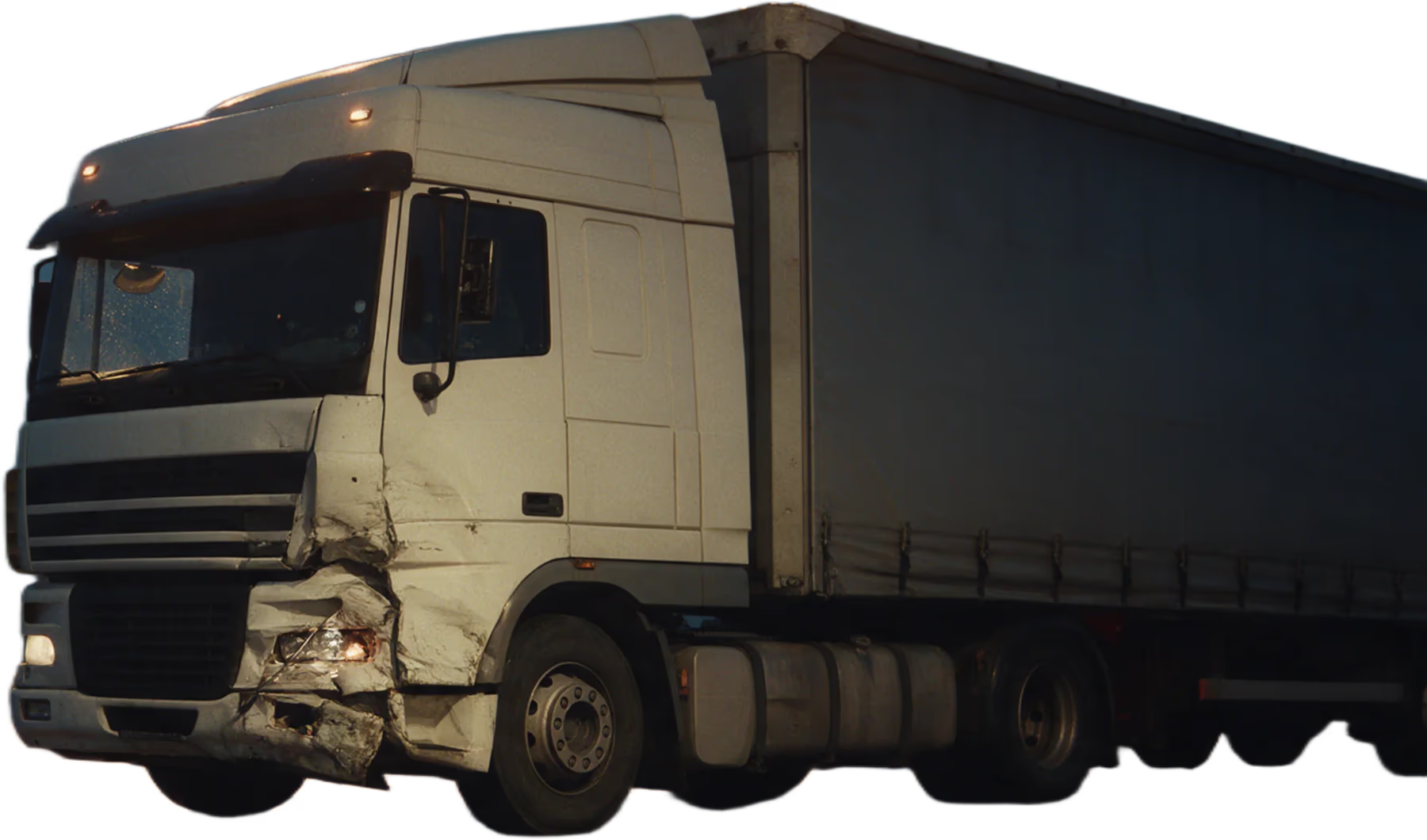
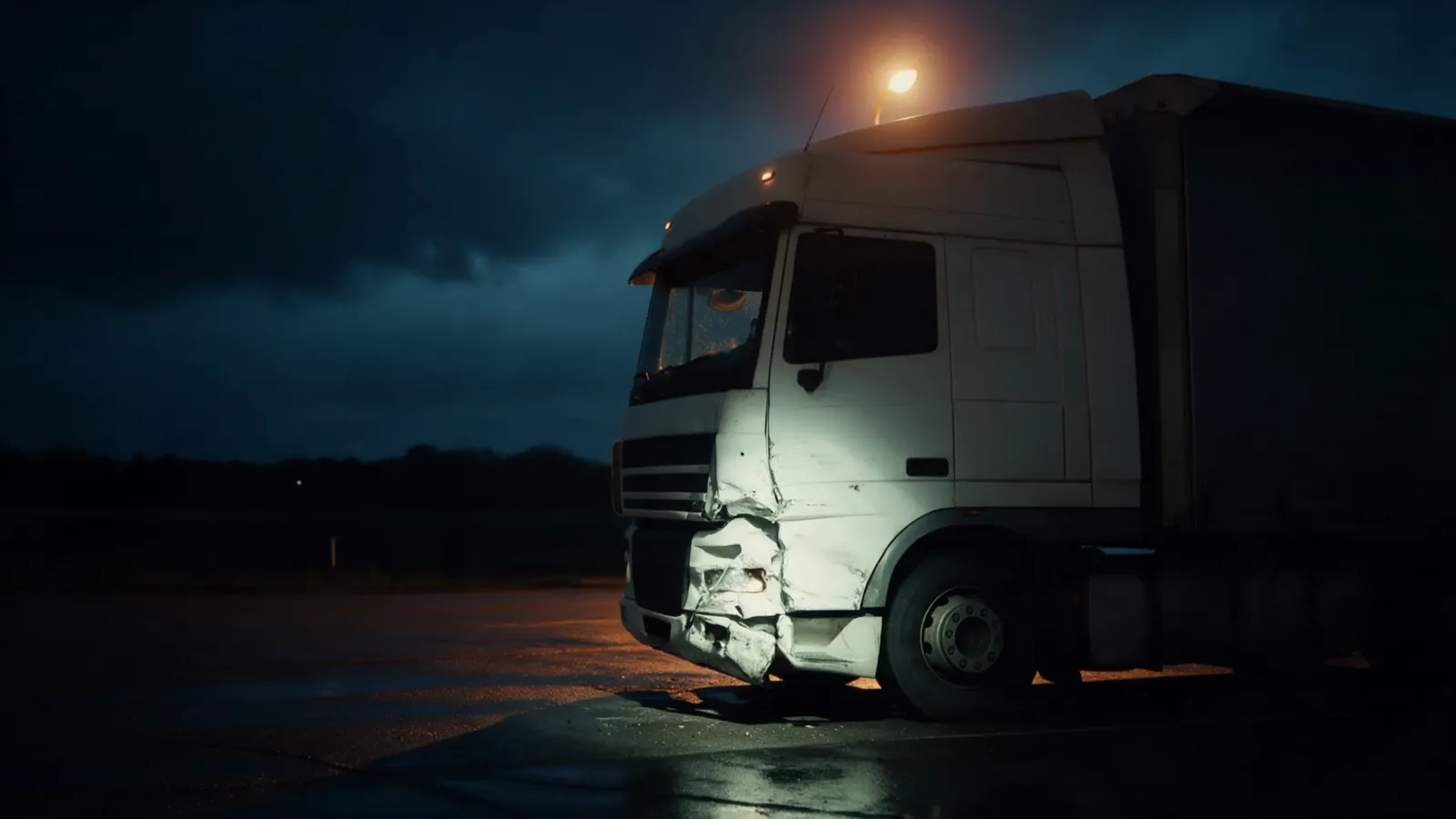
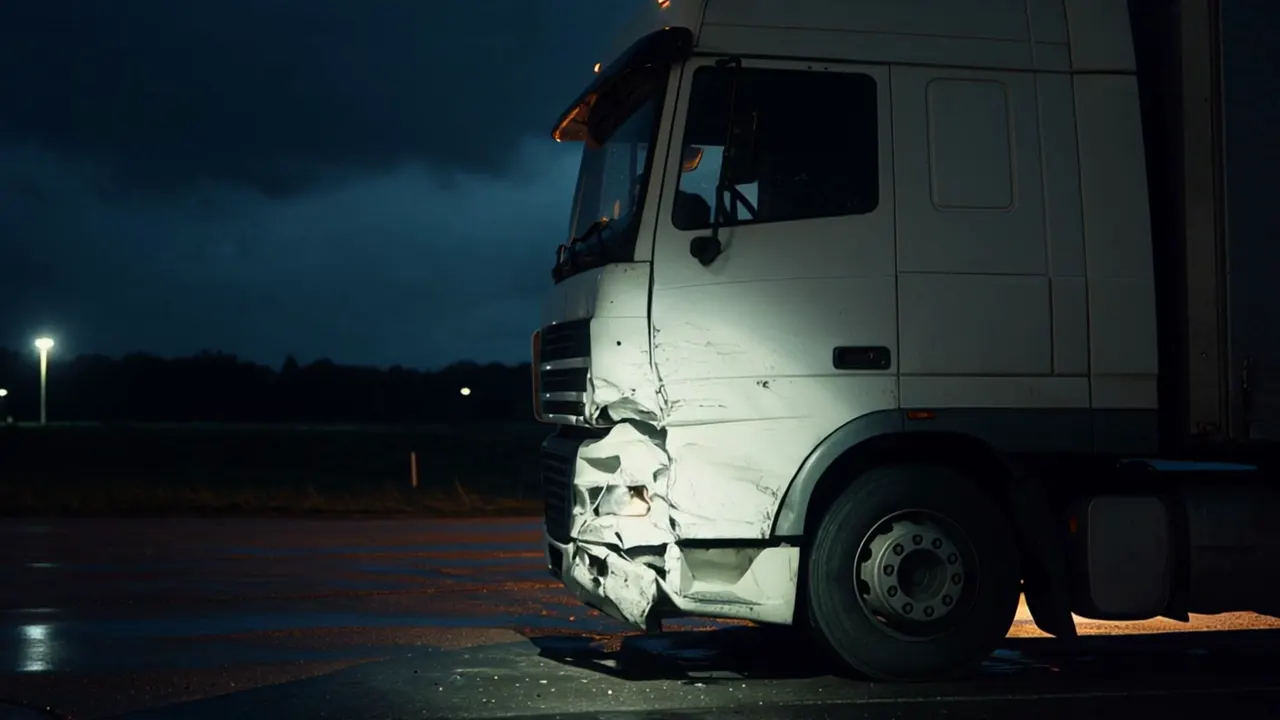
22:47. A truck is damaged at a rest area, 400 km from your office.
Three photos arrive by messenger the next morning. None of them shows the VIN.
The driver speaks Romanian. Your questions are in German.
Usually that means a drive out, and half a day is gone before the report even starts.
Damage orders go to your TraxAgent address, the way insurers and fleets send them to you today. AI reads the vehicle, plate, driver phone and location into a draft case. You check it and send the driver a link with one click.
The driver opens the link in the browser. There is no app to install, and the chat copes with weak coverage at rest areas.
The chat runs in 26+ languages through AI translation. Instructions, buttons and retake notes all arrive in the language the driver chose.
Same instruction, as the driver sees it
RomânăFotografiați colțul din față stânga al cap-tractorului.
 Polski
Sfotografuj lewy przedni narożnik ciągnika.
 Български
Снимайте предния ляв ъгъл на влекача.
 Türkçe
Çekicinin sol ön köşesini fotoğraflayın.
 Українська
Сфотографуйте передній лівий кут тягача.
 Русский
Сфотографируйте передний левый угол тягача.
 Magyar
Fényképezze le a vontató bal első sarkát.
 Čeština
Vyfoťte levý přední roh tahače.
 Español
Fotografíe la esquina delantera izquierda de la cabeza tractora.
 Deutsch
Fotografieren Sie die linke vordere Ecke der Zugmaschine.
 English
Photograph the front left corner of the tractor.
26+ languages in the driver chat.
AI checks each photo as it comes in: right angle, sharp, damage visible. When one misses, the driver gets a specific note and takes it again on the spot.
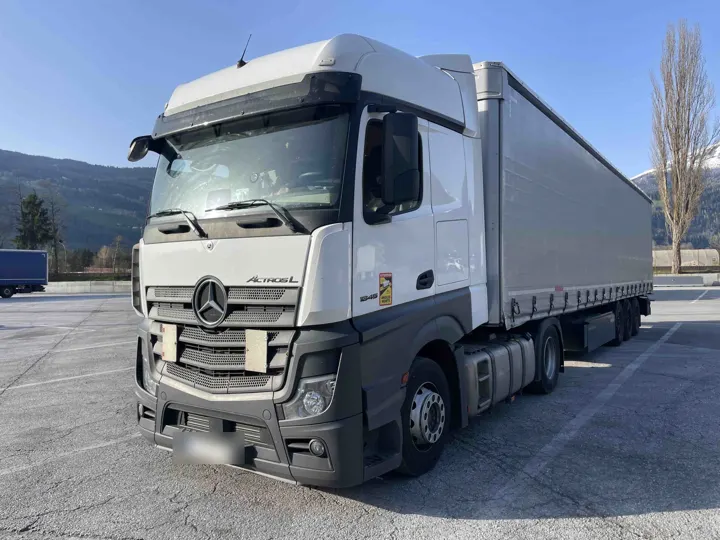
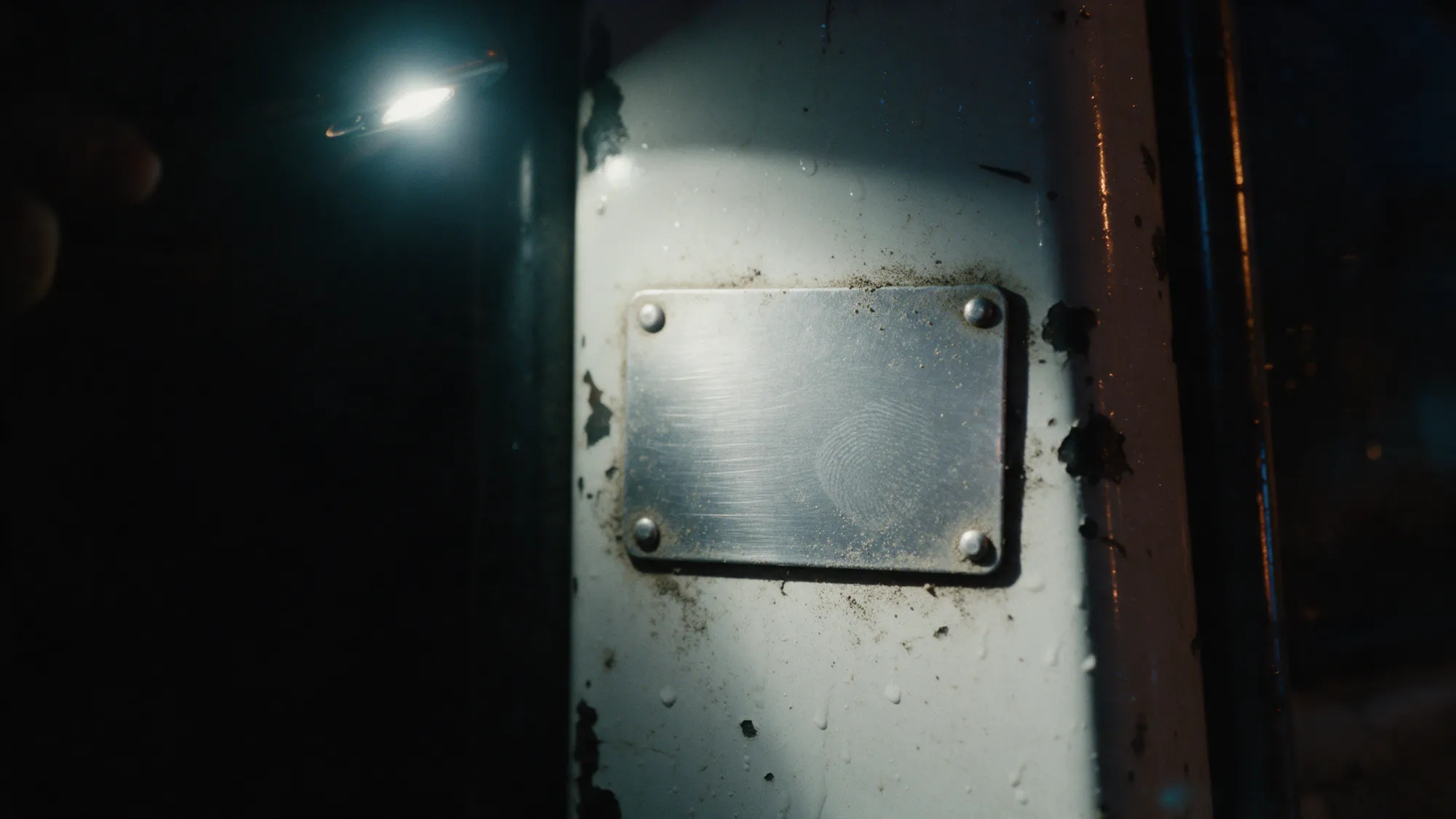
OCR reads the type plate and the odometer, so nobody retypes 17 characters at midnight or again in the office.
Sample values
Makes the chat guides drivers through
Tractors: Volvo, Scania, Mercedes-Benz, DAF, MAN, Iveco, Renault Trucks
Trailers: Kögel, Schmitz Cargobull, Krone, Wielton, Chereau, Schwarzmüller
After the walkaround the chat asks for each damaged area separately: at least three photos, one frontal, one from left to right, one from right to left. If fewer arrive, the chat says so before the driver moves on.
Where it helps, the driver adds photos or videos of the accident scene (road, signs, weather, other vehicles) and of damage that was already there before.
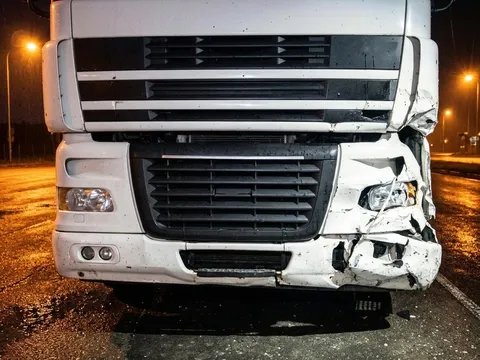 1 Frontal
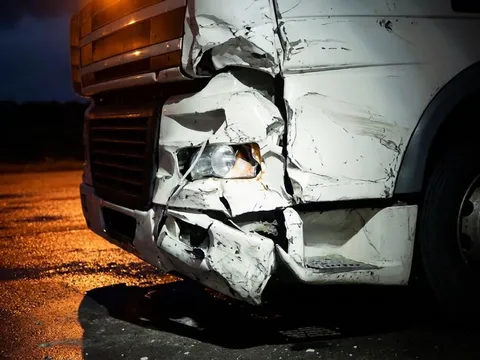 2 Left to right
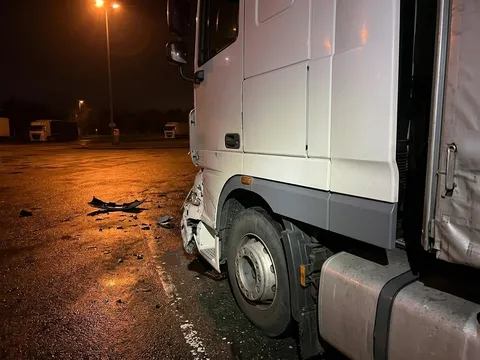 3 Right to left
 0:02
Uszkodzenie jest na przednim narożniku kabiny.
The speech is transcribed in the language the driver spoke and translated into German and English. In the case it runs as timed subtitles under the video, with a short German and English summary of what the driver pointed out.
Summary of the damage EN
Further subtitle languages on request.
Photos, walkaround video with subtitles, VIN, odometer and case data sit together in the admin portal. You review the documentation at your desk and use it for your report, without driving out to capture the damage. Drivers report this way in the evening and at weekends, when nobody from your office would be on site.
Case TA-2026-0412
License Plate (Damaged): XX-XX 000
Insurance ID: EX-0000-0412
Vehicle angle photos from walkaround
Front-Left Tractor
Checked Rejected by AIFront-Left Tractor
Rejected: vehicle cut off by the photo edge
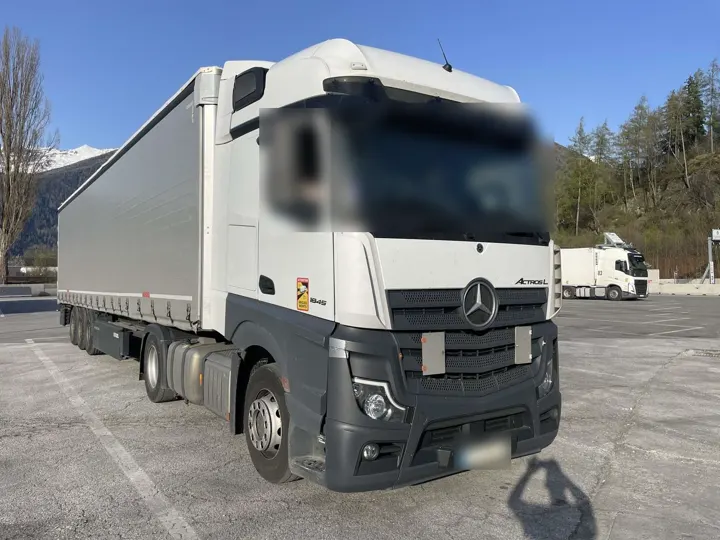
Front-Right Tractor
Checked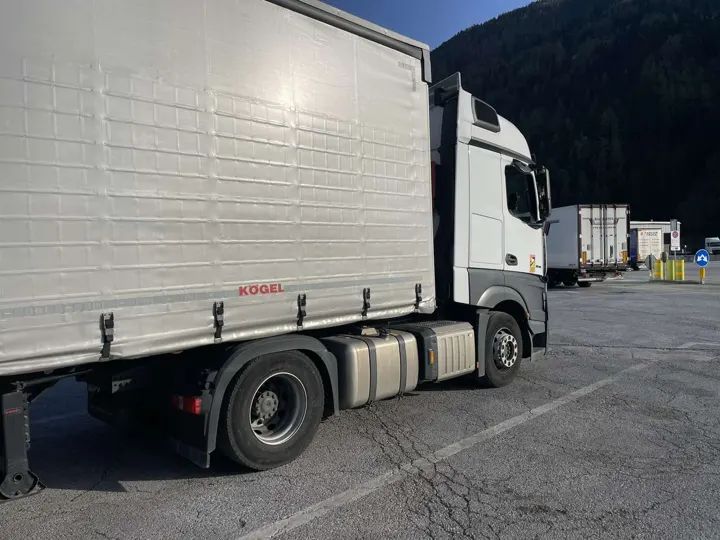
Back-Right Tractor
Checked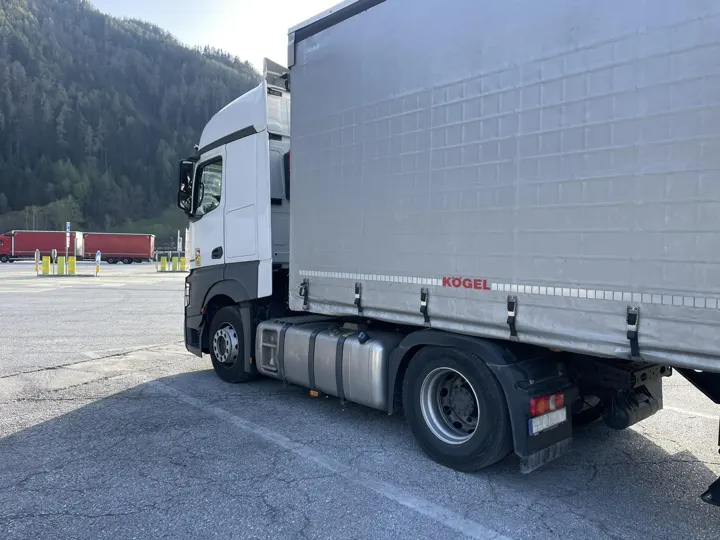
Back-Left Tractor
CheckedFor logistics companies
In Germany an assessor is usually called in. Abroad that is often not practical. Your claims staff can send the driver the same SMS link and get the same complete case for your own records and for the insurer.
TraXpertBuilt in collaboration with TraXpert, a market leader in truck damage assessment
Yes. Instead of driving out to the truck, the assessor has the driver capture the damage: the driver gets an SMS link and is guided through the photos and a video on their own phone, at any hour and in their own language. The assessor gets a complete case to work from. Fleets with their own claims staff can use it the same way, for example for damage abroad.
The case holds what insurers and assessors ask for: the vehicle from every side, each damaged area from three perspectives, VIN and odometer read by OCR, a walkaround video with a transcript and a German and English summary, and the case data from the damage notice. Built in collaboration with TraXpert, a market leader in truck damage assessment.
No. The driver gets an SMS with a link and opens it in the phone's browser, at any hour. The chat works on any smartphone and copes with weak coverage at rest areas.
The driver chat runs in 26+ languages through AI translation. The driver picks one at the start, and instructions, buttons and retake notes follow it. Your staff work in the admin portal in German or English.
The shot list follows what is damaged: tractor only (7 photos), trailer only (8), tractor and trailer (15) or the coupling (11). Each damaged area then gets at least three photos: frontal, left to right and right to left. AI checks every photo as it arrives (right angle, sharp, damage visible). When one misses, the driver gets a specific note in their language and takes it again on the spot. OCR reads the VIN from the type plate and the odometer from its photo.
After the photos the driver records a walkaround video and can talk through the damage. The speech is transcribed in the language the driver spoke and translated into German and English. In the case it runs as timed subtitles under the video, with a short German and English summary. Further subtitle languages on request.
TraxAgent is hosted in Germany, on Hetzner servers in Falkenstein, with GDPR-compliant data handling. Photos, videos, chat messages and case emails are analysed by AI services from Google and Anthropic, acting as our processors. They may process data in the USA, under the EU Standard Contractual Clauses. On request: AI processing in EU regions (Google Cloud Vertex AI).
Assessors pay a monthly base fee plus a fee per damage case. Fleets pay a monthly base fee that depends on fleet size, plus a fee per damage case. There is no public list price. You get a quote with your demo.
Right away. We set up your organisation in a few clicks, and the first case can go out to a driver the same day.
Pick a 30-minute slot. We show you the driver chat and the admin portal and send you a quote for your assessor office or your fleet.
Pick a 30-minute slot. We show you the driver chat and the admin portal and send you a quote for your assessor office or your fleet.
The booking calendar is not available right now. Please write to info@traxagent.de.